
Showing items from Tutorial

Exploring Scala 3 Macros: A Toy Quoted Domain Specific Language

I’ve been wanting to learn Scala 3 macros for a while. They seem well supported and documented. However, I could not find a nice learning path. Most guides only provide toy examples of API architecture, but I haven’t found a guide that shows how to build a real macro with the full API.

In this blog post, I present a small project that uses Scala 3 macros. I assume you know about macros and want to see how to use them in actual code that does something other than compute the power function or asserts some assertion. The project is trivial enough that I include all the code in this blog post.

Continue Reading

LSP and Xtext Tutorial: Creating the VS Code Client

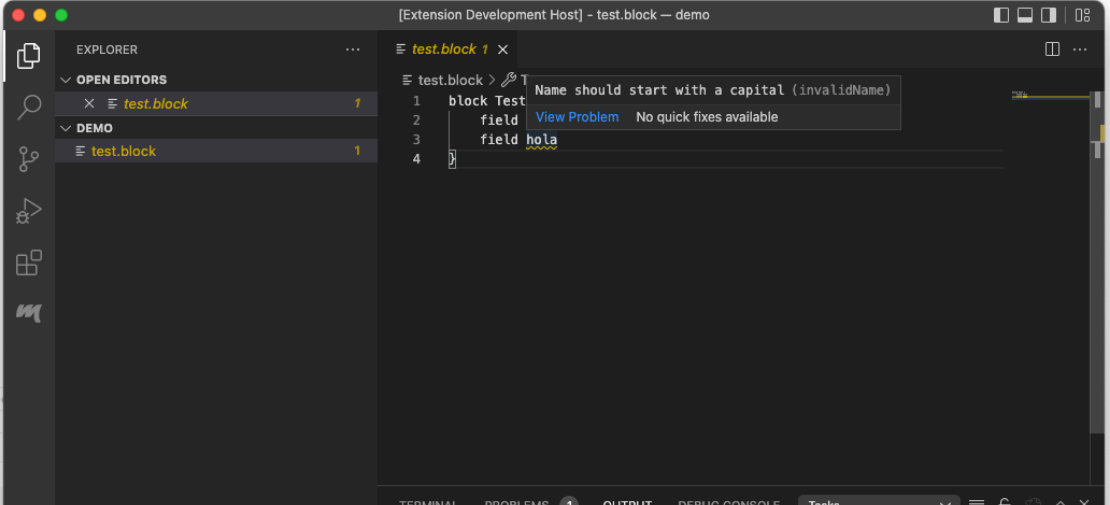
This post is a continuation of my LSP and Xtext Tutorial. In my latest post I created a language in Xtext to be used with a client. In this post I am going to create VS Code plugin to connect to the language server created in the previous post. The full code for this example can be found here.

The VS Code Plugin

VS Code plugins are created using yeoman. Yeoman is a scaffolding tool, it creates the necessary files to start your project. For our VS Code plugin, we can use it to generate most of the plugin and then we proceed to customize it for our language. For those coming from the Eclipse world, yeoman is a wizard that we can launch from the command line. The installation of yeoman is outside of the scope of this tutorial.

Continue Reading

LSP and Xtext Tutorial: Creating the language

This post is a continuation of my LSP and Xtext Tutorial. In this post I present how to create the language to have all the necessary configurations to work. The full code for this example can be found here.

Create the project

The project is created as a standard Xtext project. The first part of the wizard is configured as usual. We use as an example the block project the I have used in a previous tip. Below is the first dialog for the wizard.

Continue Reading

LSP and Xtext Tutorial: Introduction

The Language Server Protocol (LSP), created by Microsoft, is one of the latest and greatest tools in the toolset of language engineers. As such, the maintainers of Xtext have implemented support for it. Since LSP is just a protocol, there are several ways to use it and also to consume it. One can for example, create an LSP server to be consumed by connecting to a standard TCP socket using a port and an address. One can also connect directly using standard input and output. On the other hand, there are several possible clients: one can use Eclipse, VS Code, or Theia. Each one can also use different ways to connect to the server.

Continue Reading